
This quick start guide explains how to connect and install this unit.
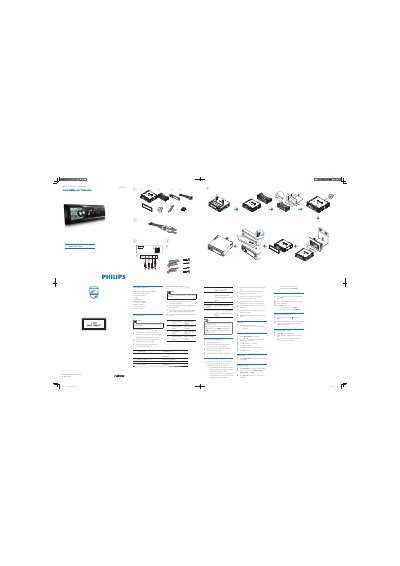
The guide lists the supplied parts and shows how to connect the ISO connectors, attach the front panel, and mount the unit in the dashboard. It includes cautions about grounding and battery disconnection.
It also explains basic operation such as turning the unit on and off, setting and viewing the clock, selecting radio bands, and playing media from CD, USB, or SD/MMC cards.
| Power supply voltage | +12V DC |
|---|
Press the Z button to turn the unit on; press and hold Z for 3 seconds to turn it off.
Press MENU/DISP for 3 seconds, then use the Z button clockwise to set the hour and anti‑clockwise to set the minute, confirming each with Z.
Open the front panel, insert a CD with the printed side up, close the panel, then press 2; to pause press 2; again to resume.