
This document is the user manual for Philips PD7010. It mainly introduces the product's functions and usage methods.
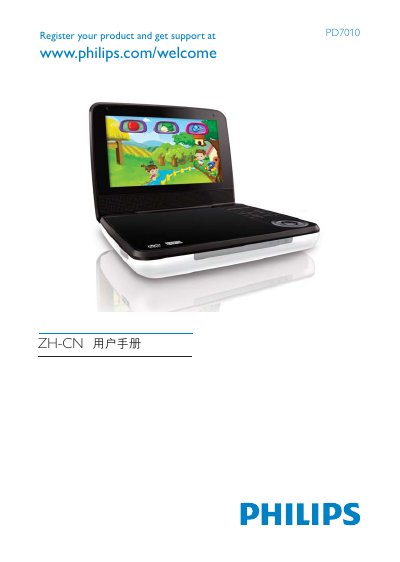
This manual introduces the Philips PD7010 DVD player, covering registration, safety notices, and the supported disc and audio/video formats. It explains how to power the unit on and off, navigate the on‑screen menus, and use the remote control functions.
The guide also details the front‑panel and rear‑panel connections, including DC IN, AV OUT, and subtitle options, and lists the technical specifications such as dimensions, power requirements, temperature range, and audio‑video performance. This manual is written in Chinese.
| Dimensions (W×H×D) | 195 mm × 38 mm × 153 mm |
|---|---|
| Video Output Formats | PAL, NTSC |
| Frequency Response | 20 Hz – 20 kHz |
Press the POWER ON/OFF (CHR) button on the remote or the front panel.