
This is the user manual of PHILIPS CID3610, which mainly introduces the features and usage methods of the product
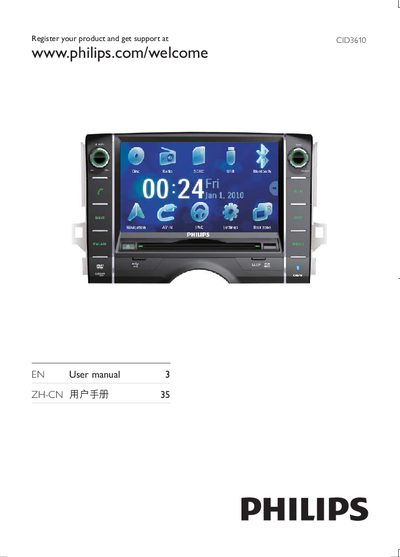
This manual explains how to register the Philips CID3610 and obtain support, with the registration URL shown on the first page. It also contains safety notices and general usage guidelines.
The document lists the device’s main features such as DVD, VCD and CD playback, a remote control (ZnC), an LCD panel, and accessories like batteries and cables. Environmental compliance symbols and a 10‑year protection logo are also described.
| Remote control type | ZnC |
|---|---|
| Display type | LCD Panel |
| Supported media | DVD, VCD, CD |
You can register the product at www.philips.com/welcome to get support.
The device supports DVD, VCD and CD discs.
It indicates a 10‑year period during which hazardous substances will not leak or cause pollution.