
This document is the W52S user manual
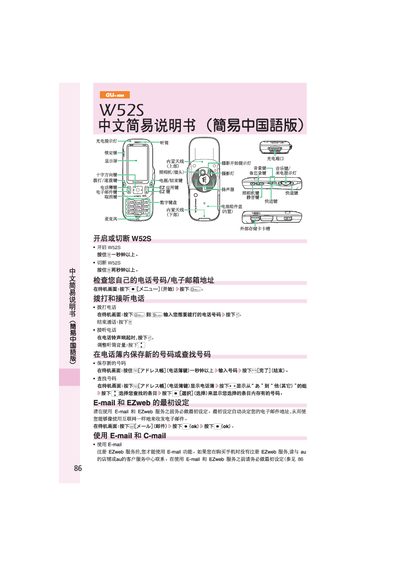
This manual explains how to operate the au W52S phone, including making and receiving calls, adjusting volume, saving contacts, and navigating the standby screen. It also covers basic settings such as silent mode and voice message reception.
Additional sections describe how to set up and use E‑mail, C‑mail, and EZweb services, as well as how to take photos, send international calls, and access other phone functions like the camera and multimedia features. This manual is written in Chinese.
From the standby screen press the call button, enter the phone number, and press the start button to place the call.
Press the mail button, select "New mail", fill in the recipient, subject and body, then press the send button.
On the standby screen hold the mute button for more than one second to enable silent mode.