
This document is a user manual for W62S (Simplified Chinese version), which introduces the use of the product
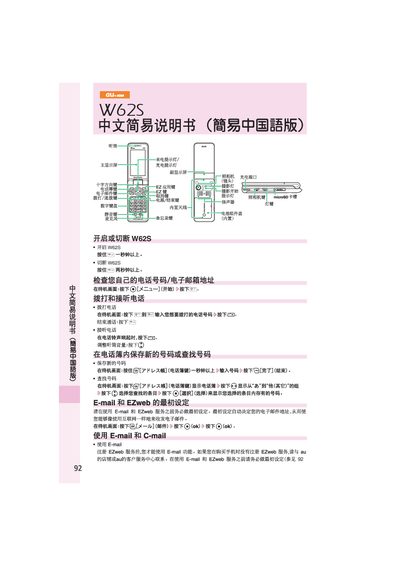
This manual provides step‑by‑step instructions for operating the au W62S mobile phone. It covers basic functions such as turning the device on or off, making and receiving calls, and using the keypad and navigation keys.
Additional sections describe how to set up and use email and EZweb services, create and send C‑mail, capture and save photos, place international calls, and configure silent mode and language settings. This manual is written in Chinese.
Press the call button, enter the number, and press the send key.
Press the camera button, then press the capture button, and finally save the picture.