
This is a quick start guide for the MCM138D audio system. The guide provides information on the package contents, setup steps, and usage instructions for the product.
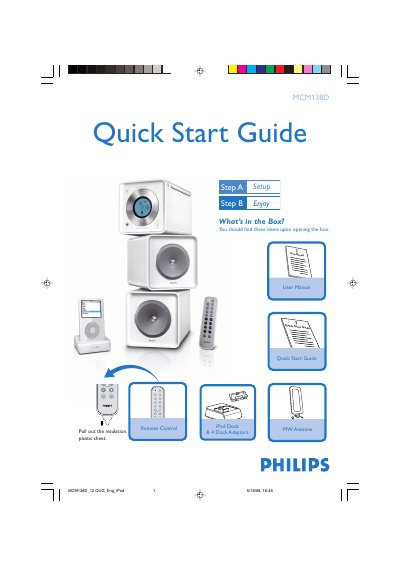
The guide begins with a list of items included in the box and shows how to connect the MW antenna, speaker wires and power cord. It then explains how to set the clock using the PROG/CLOCK button and how to select and use the various audio sources such as CD, TUNER, AUX and the iPod dock.
The final section details the iPod docking procedure, including selecting the correct dock adaptor, inserting the iPod, connecting the dock cable and choosing the DOCK source. It also notes that the iPod will charge while in standby or powered‑on mode.
| Power supply | AC power outlet |
|---|---|
| Antenna type | MW antenna |
| Dock adaptor | Included dock adaptor for iPod |