
This document is the user manual for MCM138D Docking Entertainment System.
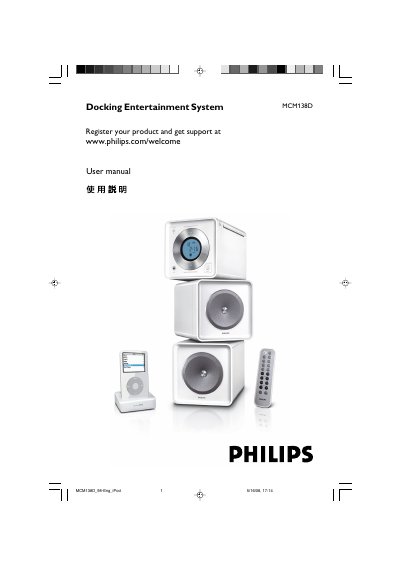
This manual covers everything you need to get started with the Philips MCM138D docking entertainment system, including the supplied accessories, safety precautions, and preparation steps such as connecting the rear power and antenna cables. Detailed instructions explain how to operate the system’s controls, play CDs, MP3/WMA discs, use the built‑in radio tuner, set the clock and timer, and dock an iPod.
Additional sections describe maintenance tasks, specifications of the audio and radio performance, and a troubleshooting guide that helps you resolve common issues such as disc read errors, poor sound quality, or remote‑control problems.
| Output power | 2 × 2 W (4 W total) |
|---|---|
| Signal‑to‑noise ratio (amplifier) | ≥ 62 dBA (IEC) |
| Frequency response (amplifier) | 125 – 16000 Hz, ± 3 dB |
| Speaker impedance | 8 Ω |
| Headphone impedance | 32 Ω |
| AC power input | 110 – 127 V / 220 – 240 V, 50/60 Hz, switchable |
| Dimensions (W × H × D) | 150 × 153 × 204 mm |
| Weight (with speakers) | ≈ 4.9 kg |
Set the voltage selector on the back panel to 110 V‑127 V for regions with that mains voltage, otherwise leave it at the factory preset 220 V‑240 V.
Check that the disc is inserted correctly, clean the disc and lens if needed, ensure the speakers are connected, and verify the volume and source settings.
Press the TIMER button to activate the timer, then use the controls to set the desired time; press TIMER again to deactivate.