
This document is the user manual of PHILIPS MCD388, which introduces the features and characteristics of the product, connection methods, and usage methods.
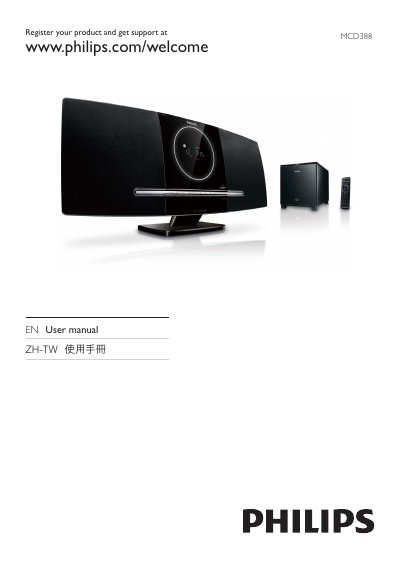
This manual guides you through installing and using the Philips MCD388 DVD Micro Theater. It covers unpacking, connecting the unit to a TV via HDMI, component, S‑Video or composite cables, and setting up audio, FM radio, and wireless subwoofer.
Detailed sections explain how to navigate menus, play DVDs, CDs, USB/SD/MMC media, adjust picture and sound settings, use the remote control, and troubleshoot common issues such as no power, disc playback problems, and wireless connection failures.
| Supported disc formats | DVD, VCD, SVCD, DVD+RW |
|---|---|
| Supported audio formats | MP3, WMA, AAC, WAV, PCM |
| MP3 sampling frequencies | 32 kHz, 44.1 kHz, 48 kHz |
| MP3 bit‑rates | 32‑256 kbps |
You can register the product at the Philips support website: www.philips.com/welcome.
Select the clock setting in the system menu and adjust the time using the remote control.