
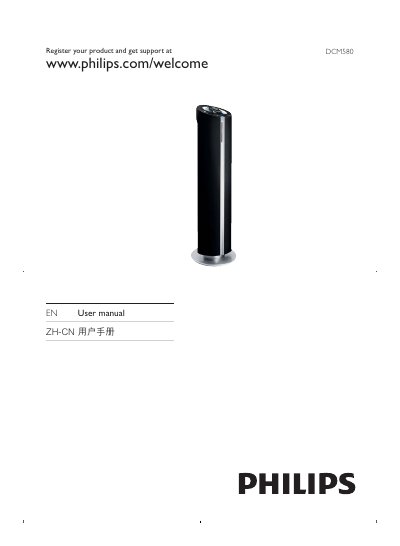
This manual explains how to register the DCM580 online (www.philips.com/welcome) and gives an overview of the hardware interfaces, including USB, iPod/iPhone, FM antenna, and MP3 link. It describes the front‑panel controls such as volume, source selection, shuffle, repeat, and the menu system for programming the clock and timer.
The guide also lists the product’s electrical specifications, compliance statements, and battery information, and includes a quick reference for common functions like mute, sub‑volume, and preset selection. Troubleshooting tips and safety warnings are provided at the end of the document. This manual is written in Chinese.
| Power Supply | AC mains |
|---|---|
| Battery Type | CR2025 |
Register the product online at www.philips.com/welcome.
Use the VOL +/- buttons on the device to increase or decrease the volume.
The device uses a CR2025 battery.