
This file introduces the user manual of DC910 speaker, including connection method, time setting, audio file playback, etc.
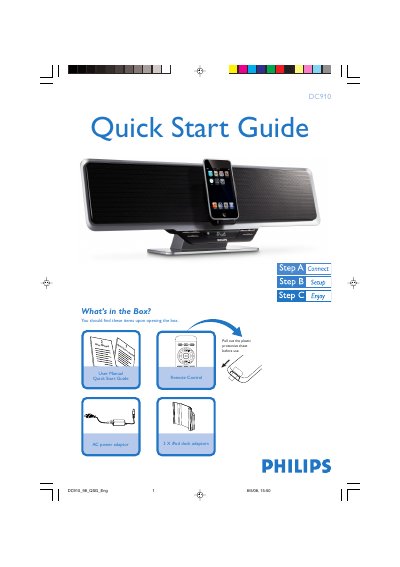
This Quick Start Guide provides an overview of the Philips DC910 audio system, listing the items included in the package and giving step‑by‑step instructions for initial setup. It shows how to connect the supplied AC power adaptor, remove the protective sheet, and prepare the system for use.
The guide also explains core functions such as setting the clock, playing audio from USB flash drives or SD/MMC cards, programming FM radio stations, and using the iPod dock adaptor. Tips for remote‑control operation and additional playback features are included.
| Power adaptor | AC only |
|---|---|
| USB support | USB 2.0 and USB 1.1 |
| SD/MMC support | SD/MMC cards |
Press SOURCE repeatedly to select the FM tuner, then hold the PROG button on the remote for more than two seconds to automatically program all available stations.