
Quick start guide
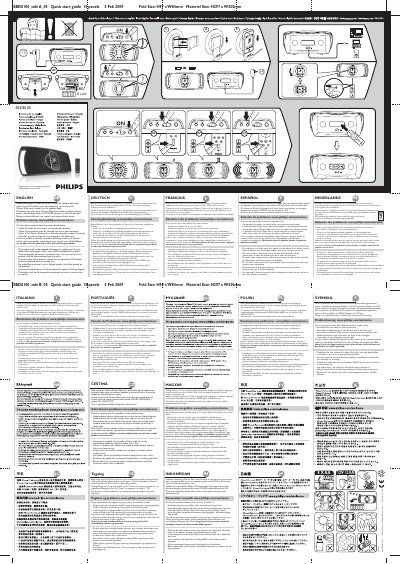
The SBD8100 is a speaker dock designed to hold and charge iPhone or iPod touch devices while delivering audio through the built‑in speakers. This guide explains how to install the appropriate dock insert, connect power, and operate the dock safely.
Key sections cover safety warnings, battery handling, charging operation, and a step‑by‑step problem‑solving checklist. Users are instructed to check cables, battery charge, and device insertion before contacting online support.
| Battery type | 8 x AA |
|---|---|
| Battery voltage / current | 12 V / 3.0 A |
| Fold size | H99 mm × W84 mm |
| Material size | H297 mm × W420 mm |
Check all cables to ensure they are connected correctly, verify the batteries are fully charged and properly installed, and make sure the iPhone/iPod touch is inserted correctly.
Place the iPhone/iPod touch onto the speaker dock and ensure the POWER button is in the ON position; the device will then recharge.