
This document describes the features and characteristics of the MCD716 DVD Micro Theatre, including its collaboration with Dolby and Digital Theater Systems, and the incorporation of DivX and Windows Media technologies.
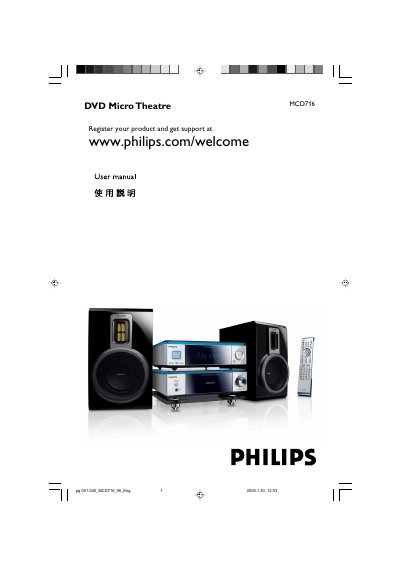
The MCD716 DVD Micro Theatre combines a DVD player with a 2‑channel full‑digital amplifier for home‑theater sound. This manual explains how to install the unit, connect speakers, TV, FM antenna and USB devices, and how to use the remote control and on‑screen menus.
Key sections cover installation guidelines, speaker and video connections, basic and advanced playback functions, parental controls, hearing‑safety advice, specifications, troubleshooting tips, and a glossary of terms.
Connect the right speaker to the “R” terminal and the left speaker to the “L” terminal, with the coloured wire to “+” and the black wire to “–”.
The voltage selector is preset at 220‑240 V; adjust it to 110‑127 V before switching the system on.
Register the product at www.philips.com/welcome.