
This document is a quick start guide for the iPod Docking Cradle for WAC7500 and WAS7500. The guide includes instructions for connecting, installing, and enjoying the product.
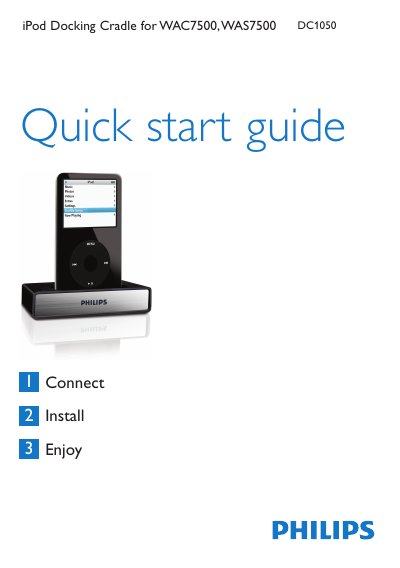
The guide lists the items included in the box – the docking cradle with a fixed cable, an RCA extension cable and up to eight iPod dock adapters – and explains how to connect the cradle to a Music Center or Music Station using the RCA and 9‑pin DIN cables. It then walks the user through inserting the appropriate dock adapter, plugging in the iPod, and using the remote control to navigate iPod functions such as play, pause, volume and track selection.
A troubleshooting section helps resolve common issues like no sound or unresponsive remote control, and a brief specifications table provides the audio output connector details. The iPod also charges automatically when the cradle is connected and the Music Center or Station is powered on. This manual is written in Chinese.
| Audio output connector | RCA red/white and 3.5 mm 9‑pin DIN |
|---|
Connect the cradle’s RCA red and white plugs to the Music Center’s Audio IN jacks and the 9‑pin DIN plug to the corresponding DIN jack, then insert the appropriate dock adapter and plug the iPod into the cradle.
Check that the RCA and DIN cables are securely connected, point the remote control directly at the Music Center, and ensure the remote’s batteries are fresh.