
This document is a quick start guide for MCD716 composite video cable (yellow). It includes information about the items included in the box, steps for setting up the TV and clock, and the importance of setting DVD menu options.
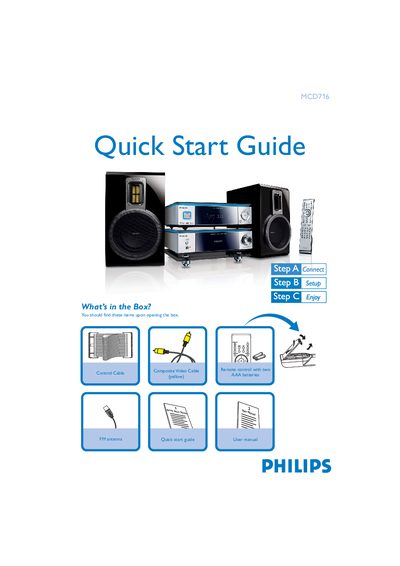
This Quick Start Guide introduces the Philips MCD716 Hi‑Fi system. It lists the items that should be found in the box, such as the composite video cable, control cable, and FM antenna, and explains how to connect the speaker cables, control cable, FM antenna, and composite video cable to a TV.
The guide also covers basic setup steps like selecting the disc source, setting the clock, configuring progressive scan mode, and using USB mass‑storage devices or flash memory for playback. Tips for remote control operation and radio tuning are included.
| Remote control battery type | Two AAA batteries |
|---|---|
| USB support | USB 2.0 and USB 1.1 flash memory devices |
| Included video cable | Composite video cable |
The box contains a composite video cable, a yellow control cable, and an FM antenna.
Connect the composite video cable to the TV, then connect the power cords of both the system and the TV.
Use the remote to access the system menu and follow the on‑screen instructions for setting the clock.
Yes, the system supports USB flash memory (USB 2.0 or USB 1.1) and can play files from a USB mass‑storage device.