
DC910 Docking Entertainment System User manual, contains instructions for use and precautions for the product
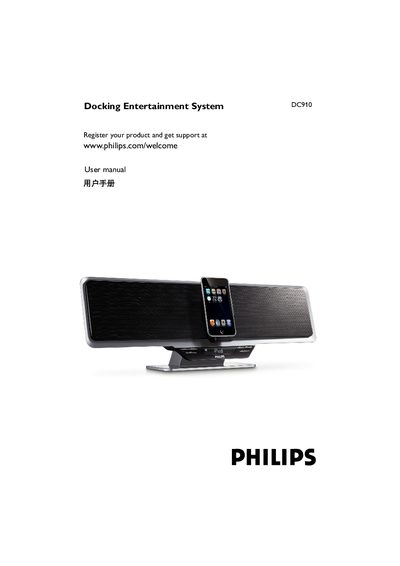
This manual covers everything you need to get started with the Philips DC910 Docking Entertainment System, including supplied accessories, power connections, antenna setup, USB and SD/MMC card usage, and remote‑control operation. Safety and hearing guidelines are also provided to ensure safe and comfortable use.
Additional sections explain mounting the unit on a wall, using the iPod dock, adjusting volume and sound settings, programming radio stations, and troubleshooting common issues such as poor reception or remote‑control problems.
| AC adapter input voltage | 100‑240 V |
|---|---|
| AC adapter output voltage | 24 V |
| AC adapter output current | 2.54 A |
| Remote control battery type | CR2025 |
Remove the insulation plastic tab, open the battery tray, insert a new CR2025 battery with the correct polarity, and close the tray.
Adjust the FM antenna for optimal stereo reception or increase the distance between the system and nearby electronic devices.