
This document introduces the features and characteristics of the Philips MBD3000 Blu-ray Micro System, including support for Wi-Fi, COAXIAL, Pr/Cr, Pb/Cb, COMPONENT, OPTICAL, DIGITAL AUDIO OUT, VIDEO OUT, and other audio and video output interfaces.
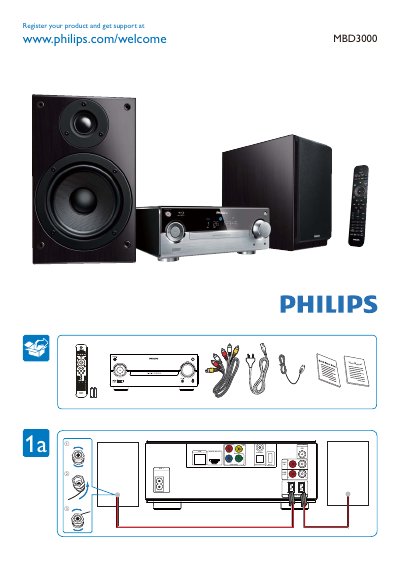
The manual begins with product registration instructions, directing users to register at www.philips.com/welcome for support. It lists all available input and output interfaces, including COAXIAL, COMPONENT, OPTICAL DIGITAL AUDIO, HDMI, LAN, USB 2.0, and FM speaker connections.
The guide then walks through the system’s menu structure: Volume, Browse USB, Play Disc, Video Setup, Audio Setup, Network Setup, Preference Setup, EasyLink Setup, Menu Language, Parental Control, Disc Menu, Audio Subtitle, Screen Saver, Change Password, and Auto Subtitle Shift. Each section explains how to access and adjust the corresponding settings. This manual is written in Chinese.
You can register the product at www.philips.com/welcome.