
AS140 is a Bluetooth speaker from Philips. It can connect to your phone and play music, radio, and more. It runs on the Android system and has a variety of apps available, including Philips Songbird, Radio, and DockStudio.
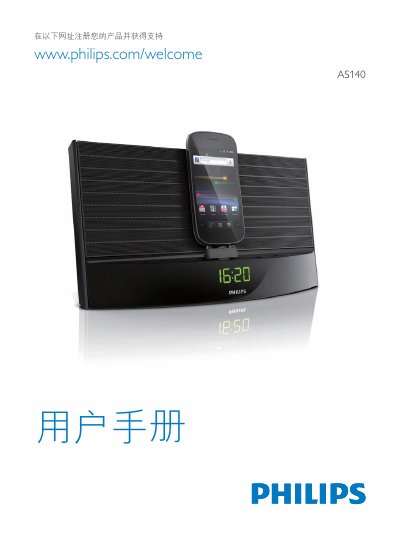
This manual explains how to use the Philips AS140 photo frame, covering its Android™ support, DockStudio connection, FM radio, MP3 playback, and Bluetooth functionality. It includes step‑by‑step instructions for setting time, adjusting volume, and configuring presets.
The document also details Bluetooth settings, device visibility, and how to search for and pair with other devices. Safety notices, power information, and a final specifications disclaimer are provided at the end of the guide. This manual is written in Chinese.
Use the SET TIME/PROG function to adjust the clock.
Open the Bluetooth settings, make the device visible, and search for devices to pair.