
This manual introduces the features and usage methods of WAS700 Wireless Music Station
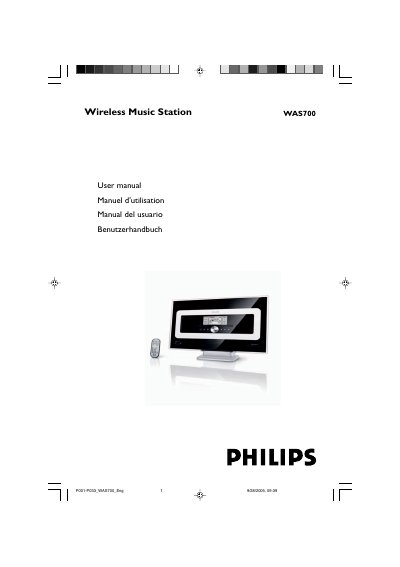
This manual covers everything you need to install and use the Philips WAS700 Wireless Music Station, including supplied accessories, wiring, Wi‑Fi configuration and remote‑control functions. It also contains safety guidelines, maintenance tips and environmental disposal information.
Detailed sections explain how to mount the station, connect the mains plug, set up wireless networking, adjust sound settings, and troubleshoot common issues such as interference or remote‑control problems.
| AC Power | 220V ±10% |
|---|---|
| Power consumption (Active) | < 25W |
| Power consumption (Standby) | < 14W |
| Eco Power Standby | < 1W |
| Dimensions (W x H x D) | 360 x 283 x 128 mm |
| Weight | 4.2 kg |
| Amplifier Output Power | 2 × 5 W + 1 × 10 W |
| Frequency Response | 50‑16000 Hz (-3 dB) |
| Signal‑to‑Noise Ratio | ≥ 72 dB (A)IEC |
| Wireless Standard | 802.11g (backwards compatible 802.11b) |
| Wireless Security | WEP (64/128 bit), WPA‑PSK |
| FM Tuner Range | 87.5‑108 MHz |
| Number of FM Presets | 40 |
| Antenna / Cable | COAX / T‑antenna (75 Ω IEC‑connector) |
Remove the fuse cover, take out the old fuse, insert a BS1362 5 A approved fuse, and replace the cover.
Connect the blue wire to the terminal marked N (or black) and the brown wire to the terminal marked L (or red); do not connect either to the earth terminal.
Mark drilling positions, drill holes, fix the supplied brackets with screws, and attach the station to the brackets; use a qualified person for the work.
Check the IR sensor alignment, replace batteries, remove protective tabs, and ensure the remote is pointed directly at the sensor.