
This is a user manual for the Wireless Music Center. It introduces the features and usage of the product.
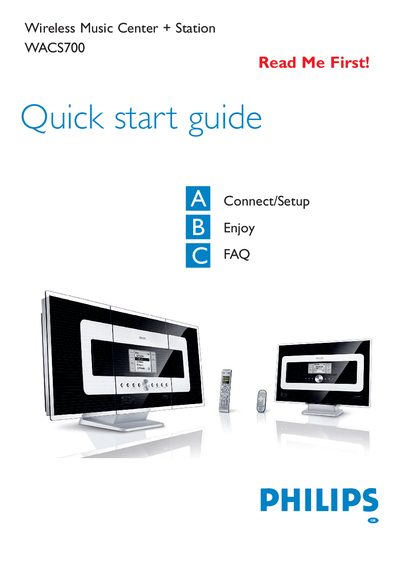
This guide walks you through the initial setup of the WACS700 system, including unpacking, inserting batteries, connecting power, and establishing the Wi‑Fi link between the Center and up to five Stations. It also covers mounting options, recommended placement to avoid interference, and how to switch between standby and HD (hard‑disk) modes.
The manual details music playback from the Center’s 40 GB hard disk, CD ripping, creating playlists, and using the Music Broadcast and Music Follows Me features to share music throughout your home. Additional sections answer common questions about Wi‑Fi range, the need for a computer, security, and how to transfer or update MP3 files using Philips Digital Media Manager.
| Hard disk capacity | 40 GB |
|---|---|
| Maximum audio CD storage | up to 750 CDs |
| Available music storage | around 33 GB |
| Maximum number of stations | 5 |
| Wi‑Fi transmission range | up to 250 m open space, ~50‑100 m indoors |
| Remote control batteries (Center) | 4 AAA |
The system can transmit up to 250 m in open space, but walls and other obstacles typically reduce the effective range to about 50‑100 m indoors.
No, the WACS700 works independently; you can rip CDs, store music, and stream to stations without a computer or network.
No, each Music Station uses a unique encryption code that must be recognized by the Music Center during installation.
Install Philips Digital Media Manager, connect the Center to your PC with the supplied Ethernet cable, then drag and drop the MP3 files; each track transfers in about 4‑6 seconds.