
This quick start guide describes how to use the Philips PET830 portable DVD player.
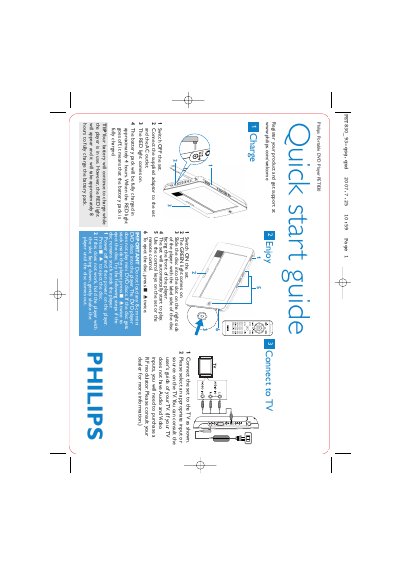
This guide provides the essential steps to get the Philips PET830 portable DVD player up and running. It explains how to charge the battery, insert and play standard DVDs, and use the built‑in controls or remote.
Additional sections show how to connect the player to a television, important safety notes, and troubleshooting tips for disc‑ejection problems. The guide is designed for first‑time users who need fast, clear instructions.
| Battery full charge time (stand‑alone) | approximately 4 hours |
|---|---|
| Battery full charge time (while in use) | approximately 8 hours |
| Supported disc size | standard DVDs only (no 8‑cm mini DVDs) |
It takes about 4 hours for a full charge, or about 8 hours if the player is in use while charging.
No, the player does not support 8‑cm mini DVD discs.
Press the 9 key twice to eject; if that fails, power the unit off and on, then gently shake the player with the slot facing down.