
AS140 Quick Start Guide, introduces how to play music with DOCK, set alarm, install Songbird and so on
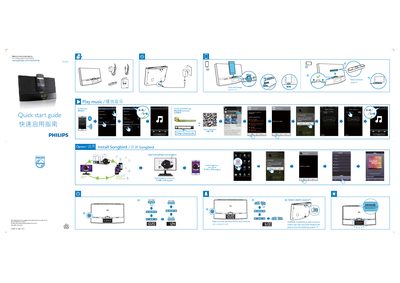
The Philips AS140 is a docking and charging station for compatible smartphones. This quick start guide explains how to dock the phone, connect via Bluetooth, and use the free DockStudio (Songbird) app for alarm and audio control.
Key sections include safety precautions, docking instructions, Bluetooth pairing, Songbird app installation for phone and computer, and a brief specifications table with power, frequency, and dimensions.
| Rated Output Power | 26 W RMS |
|---|---|
| Input Voltage | 100‑240 V ~ 50/60 Hz |
| Output Voltage | 2.58 V |
| Standby Power Consumption | < 1 W |
| Weight (with packing) | 20 kg |
The AS140 uses Bluetooth 2.1 or higher; ensure the phone is docked and Bluetooth is enabled on the device.
Download Songbird from www.philips.com/songbird and install it on your phone or computer following the on‑screen instructions.
Do not block ventilation openings, keep the unit away from heat sources, protect the power cord, use only Philips‑specified accessories, and unplug during lightning storms.