
This manual introduces the basic operation of the DVR 925HD digital video camera, including how to change camera mode, navigate the menus, take photos and videos, and transfer photos and videos from the camera to a computer.
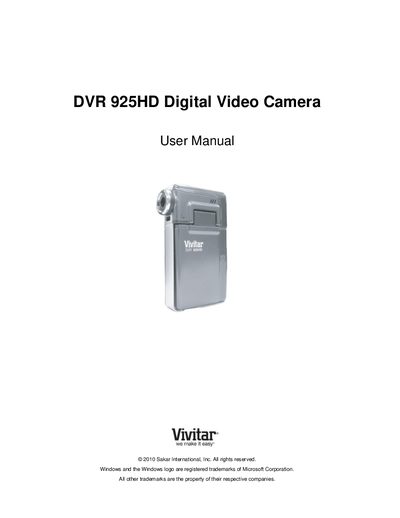
This manual introduces the Vivitar DVR 925HD camera, lists the items included (camera, lithium‑ion battery, USB cable, HDMI cable, etc.), and guides you through initial setup such as inserting the battery and SD memory card, selecting language, date, and time. It explains the main camera modes—Video Capture, Photo Capture, and Playback—and shows how to navigate menus, change settings, and connect the camera to a TV or computer.
Technical specifications are detailed, covering the CMOS sensor, image and video resolutions, lens, zoom, ISO, and supported file formats. The document also includes warranty information, technical support contacts, and a troubleshooting section that addresses common issues like missing transferred photos and accidental deletions.
| Image Sensor | CMOS Sensor |
|---|---|
| Image Resolution | 8M 3264x2448, 7M HD 3648x2048, 5M 2592x1944, 2M 1600x1200, VGA 640x480 |
| Video Resolution | 1280x720 (25fps), 640x480 (30fps), 320x240 (30fps) |
| File Format | JPEG / AVI |
| LCD Display | 2.4‑inch TFT |
| Lens | f=7.238 mm, F2.8, Fixed Focus |
| Digital Zoom | 4× |
| ISO Sensitivity | Auto / 100 / 200 / 400 |
| External Memory | SD Card up to 32 GB |
| Battery | Lithium‑ion Battery |
| Working Temperature | 0 °C to 40 °C |
Yes, deleted images are moved to the computer’s Recycle or Trash Bin and can be restored from there.