
This document is about the registration and support information of Philips (Multimedia Speakers) products, providing user manuals and precautions, etc.
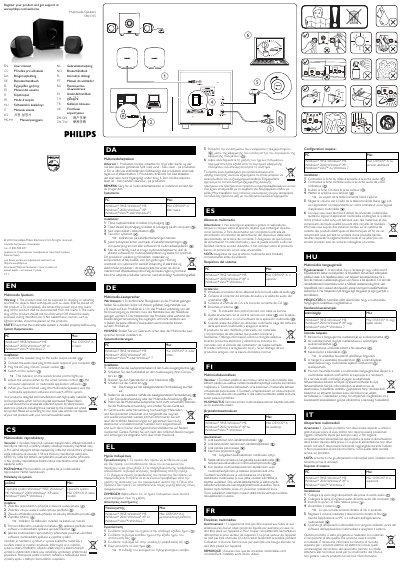
The manual begins with safety warnings: do not expose the speakers to liquids, keep the power plug accessible, and avoid open flames. It also includes recycling information, noting that the product is made from recyclable materials.
Installation instructions are given step‑by‑step: connect the speaker plug to the audio output socket, connect the audio input plug to the computer’s audio output, plug the AC cord into a mains socket, and switch the system on. The remote‑control indicator lights up, and volume can be adjusted via the remote, computer, or multimedia software.
| Power source | AC mains |
|---|---|
| Supported operating systems | Windows 98SE, ME, 2000, XP, Vista, 7; Mac OS 9/OS X or later |
Connect the speaker plug to the audio output socket, connect the audio input plug to the computer’s audio output, plug the AC cord into a mains socket, and switch the system on.