
This document is a user guide for Philips mobile phones, describing the features and operations of the phone.
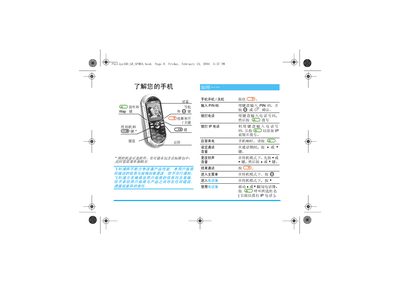
This guide covers the basic operation of the Philips 350 mobile phone, including powering the device on and off, entering PIN codes, making regular and IP calls, adjusting volume, changing ringtones, and navigating the menu system. It also explains how to insert the SIM card, charge the rechargeable battery, and set the date and time.
Additional sections describe advanced features such as MMS creation and reception, various input methods (T9, English, Chinese Pinyin, stroke), and service information including warranty terms and customer support contacts. This manual is written in Chinese.
| Battery type | Rechargeable battery |
|---|
In standby mode, press 4 or * then press the appropriate keys to select a new ringtone.
When the phone first powers on, follow the prompts and use the numeric keys to set the date and time.