
Philips mobile phone user manual, introduces the basic functions and operating methods of the phone.
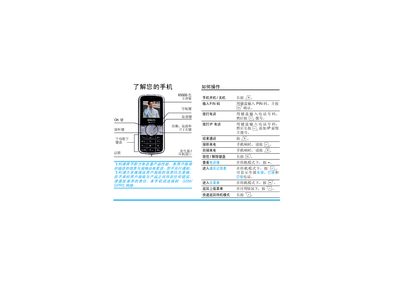
This guide explains how to set up a Philips mobile phone for the first time, including inserting the GSM SIM card, configuring input methods, and using multimedia functions. It also provides instructions for navigating the phone’s menus and handling common operations.
Additional sections cover troubleshooting steps, warranty terms, and contact information for service and support. The document is written in Chinese and includes safety notices and regulatory statements.
| Display Colors | 65,000 colors |
|---|
Press the standby button; the phone will enter standby mode as shown in the guide.