
This document describes how to use micro SD card to expand the phone's memory, including the installation, formatting, management of MP3 files, management of other types of files
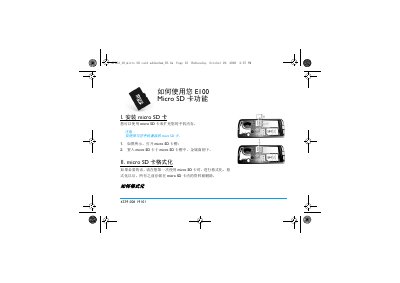
This guide explains how to install the E100 Micro SD card into its slot, format it for first‑time use, and safely manage the files stored on it. It also notes the need to use a compatible card reader for transferring media.
The manual covers MP3 storage, image handling, and file transfer between the phone and the card, including tips for handling large files to avoid slow performance. This manual is written in Chinese.
If necessary, format the card the first time you use it; formatting will erase all existing data on the card.
Use a compatible card reader and copy MP3 files directly into the "我的音乐" folder on the card, not into any sub‑folder.
Large file transfers can cause the phone to run slowly; consider moving smaller files or using a computer for large transfers.