
This document introduces the functions of Philips' new phone, including listening to messages and making calls.
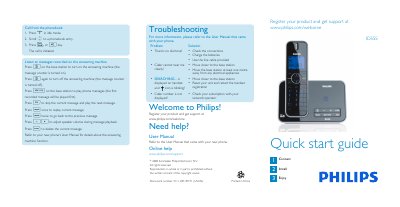
The guide explains how to use the answering‑machine features of the ID555, including playing, deleting and navigating recorded messages. It also shows how to make calls, answer incoming calls, end calls, adjust volume, and manage the phonebook (store, access and edit contacts).\n\nAdditional sections cover setting the ring melody, troubleshooting common issues such as no dial tone or poor audio, and a brief overview of the items included in the box and how to install the base station and charge the rechargeable battery.
| Battery type | Li‑ion rechargeable |
|---|---|
| Maximum phone number length | 24 digits |
| Maximum contact name length | 14 characters |
When the phone rings, press the r or v key.
Check the connections, charge the batteries, and use the line cable provided.