
This document is the user manual for Philips 197E3L monitor. It introduces the installation, use and maintenance of the monitor.
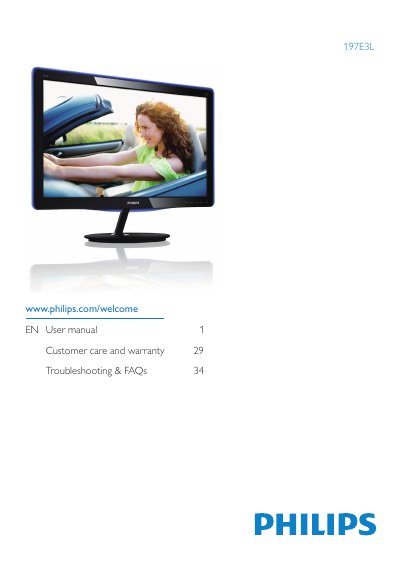
This user manual explains how to install, configure, and safely operate the Philips 197E3L 18.5" LCD monitor. It covers safety precautions, unpacking, base‑stand installation, connection of power and video cables, and basic OSD navigation.
The guide also details image‑optimization features such as SmartImage Lite and SmartContrast, lists full technical specifications, outlines power‑management options, and provides a troubleshooting & FAQ section for common issues like resolution settings, screen burn‑in, and cleaning procedures.
| Panel type | TFT‑LCD |
|---|---|
| Backlight | LED |
| Panel size | 18.5" (47.0 cm) |
| Aspect ratio | 16:9 |
| Brightness | 250 cd/m² |
| Contrast ratio (typ.) | 1000:1 |
| Response time (typ.) | 5 ms |
| Native resolution | 1366×768 @ 60 Hz |
| Viewing angle | 170° (H) / 160° (V) |
| Vertical refresh rate | 56 Hz – 76 Hz |
| Signal inputs | DVI‑D (digital), VGA (analog) |
Use the native resolution of 1366×768 @ 60 Hz for best results.
Use a clean, soft cloth for normal cleaning; for extensive cleaning use isopropyl alcohol and avoid other solvents.
The recommended refresh rate is 60 Hz, though you can increase it up to 75 Hz to address disturbances.