
This is a user manual for a 248C3L monitor. It mainly introduces the safety, installation, operation, image optimization, technical specifications, power management, customer service and warranty of the monitor.
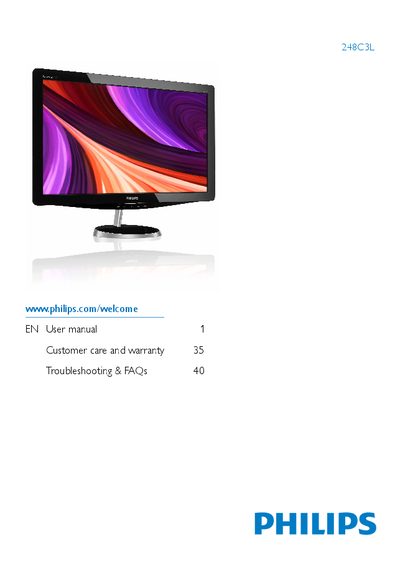
This manual covers important safety precautions, disposal guidelines, and step‑by‑step installation of the Philips 248C3L flat‑panel monitor. It explains how to attach the base stand, connect video and power cables, and configure the monitor for first use while highlighting environmental limits such as temperature (0‑40 °C) and humidity (20‑80 % RH).
The guide also describes the On‑Screen Display (OSD) menu, SmartImage, SmartColor, and other image‑optimization features, lists technical specifications (native 1920×1080 @ 60 Hz, HDMI/DVI/VGA inputs, AC/DC adapter model APD‑DA‑36Q12‑AAAA), and provides power‑management tips, warranty information, and troubleshooting FAQs including burn‑in prevention and resolution settings.
| Native resolution | 1920x1080 @ 60 Hz |
|---|---|
| Operating temperature range | 0‑40 °C (32‑95 °F) |
| Operating humidity range | 20‑80 % RH |
| Power input | AC/DC adapter model APD‑DA‑36Q12‑AAAA |
The monitor works best at its native resolution of 1920 × 1080 @ 60 Hz; using this resolution provides the sharpest text.
Prolonged static images can cause burn‑in; using a moving screensaver and periodic screen refresh helps prevent it.