
This document mainly introduces the safety instructions for the use of SyncMaster G17E display, including installation, use, cleaning and other precautions.
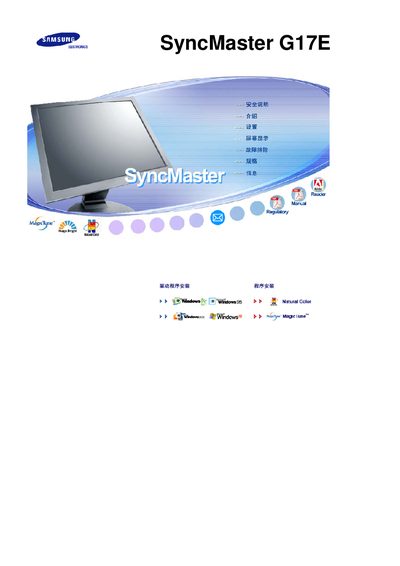
This manual provides instructions for installing and safely operating the Samsung SyncMaster G17E 17-inch display. It includes safety warnings, setup guidelines, cleaning procedures, and display settings such as MagicBright modes. The manual also covers software installation for MagicTune™ and driver setup, with system requirements for Windows operating systems.
The document emphasizes safety precautions to avoid electrical hazards, fire risks, and physical damage. It advises users to avoid placing the monitor in hazardous environments, to keep it away from children, and to maintain proper ventilation. Display settings can be adjusted via OSD menus for optimal viewing in different scenarios. This manual is written in Chinese.
| Screen Size | 17 inches (43 cm) |
|---|---|
| Resolution | 1280 X 1024 |
| Supported OS | Windows 98 SE, Windows Me, Windows 2000, Windows XP Home Edition, Windows XP Professional |
Install MagicTune™ by running the executable from the software CD. It may require compatible graphics card, motherboard, and network environment. If issues occur, refer to the troubleshooting section.
1280 X 1024.
Four.
Rest for five minutes every hour while using the monitor.