
This document provides safety instructions for using the SyncMaster 971P display, including precautions for avoiding electric shock, fire, and other problems, as well as installation and cleaning instructions
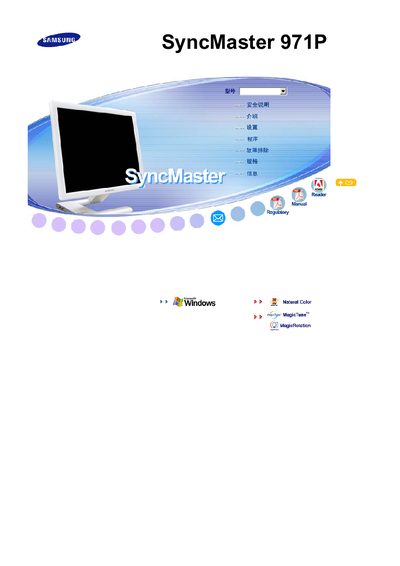
This manual covers the installation and safety guidelines for the Samsung SyncMaster 971P LCD monitor. It explains how to connect the unit, adjust the display, and use built‑in features such as MagicTune™ and MagicRotation.
Additional sections describe menu navigation, picture settings, and troubleshooting steps to help users maintain optimal performance of the monitor.
| Resolution | 1280 x 1024 |
|---|
MagicTune™ is a feature listed in the manual for the SyncMaster 971P.
MagicRotation is a feature mentioned in the SyncMaster 971P manual.