
This document introduces the use precautions of SyncMaster 961GW, including installation, use, cleaning, etc.
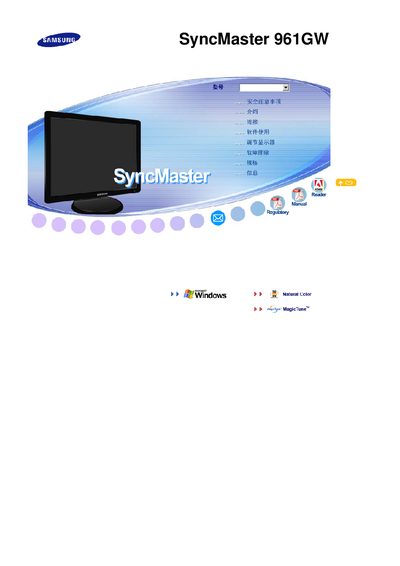
This manual covers essential safety precautions for the SyncMaster 961GW, including proper handling of power cords, avoiding electrical hazards, and keeping the unit away from fire sources. It also explains cleaning procedures, recommended cleaning agents, and the importance of unplugging the monitor before maintenance.
Installation instructions detail proper placement, ventilation requirements, and wall‑mounting guidelines, while usage sections describe adjusting resolution (1440 × 900) and refresh rate (60 Hz), reducing eye strain, and troubleshooting common issues such as image retention or abnormal sounds. This manual is written in Chinese.
| Screen Size | 19 inches |
|---|---|
| Resolution | 1440 x 900 |
| Vertical Refresh Rate | 60 Hz |
| Panel Type | TFT LCD |
| Pixel Count | 3,888,000 |
Set the resolution to 1440 × 900 and the vertical refresh rate to 60 Hz for optimal picture quality.
Wall‑mount installation must be performed by a qualified professional to avoid injury or damage.