
This document is an instruction manual for installing the driver program SyncMaster 940MG. The document provides precautions for the installation process, including instructions for plug usage, grounding, power connection, and installation environment. It also includes recommendations for using, cleaning, and moving the monitor.
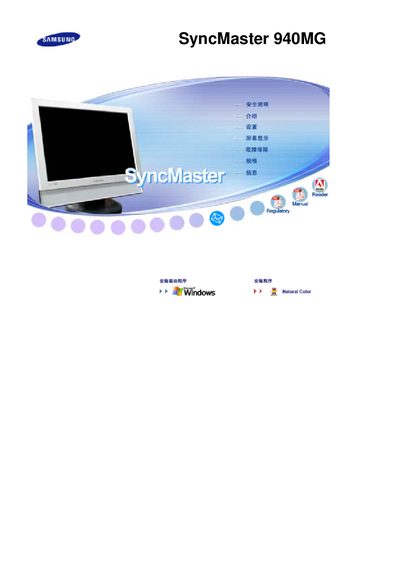
This manual covers important safety warnings, proper installation, and handling of the SyncMaster 940MG LCD monitor. It explains how to avoid electrical hazards, protect the device from dust, heat, and moisture, and ensure correct ventilation.
Additional sections describe cleaning procedures, recommended use of screen savers to prevent image retention (ghosting), and warranty information. The guide also offers troubleshooting tips for abnormal sounds, odors, or display issues. This manual is written in Chinese.
| Screen size | 19 inches (48 cm) |
|---|---|
| Native resolution | 1440 × 900 |
| Panel type | TFT‑LCD |
Use a screen‑saver or power‑off the monitor after displaying static images for long periods, and avoid high contrast color combinations.
Unplug the power, then wipe the screen and chassis with a slightly damp soft‑fiber cloth; do not spray liquids directly or use harsh chemicals.