
This document provides installation and usage precautions for the SyncMaster 960BG monitor, including the use of plugs, grounding of power supply, and installation environment requirements. It also provides cleaning methods and maintenance precautions for the monitor.
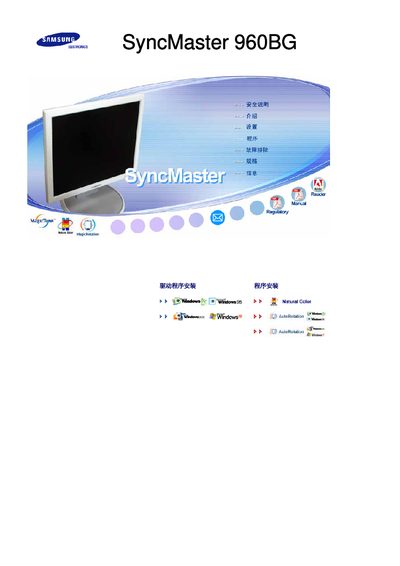
This manual explains the proper use of the Samsung SyncMaster 960BG LCD monitor, covering safety warnings, power handling, and cleaning procedures to prevent damage or injury. It also describes how to avoid image‑retention issues by using screen savers and power‑off intervals.
Installation guidance includes wall‑mount requirements, proper ventilation spacing, and the use of approved accessories. The document further details operating settings such as resolution adjustment and recommended viewing practices to protect eyesight and prolong product life. This manual is written in Chinese.
| Screen size | 19 inches (48 cm) |
|---|---|
| Resolution | 1280 x 1024 |
Use a screen‑saver or power‑off the monitor after displaying static images for extended periods, and avoid high contrast color combinations.
Installation of wall‑mount brackets must be performed by qualified personnel, keep at least 10 cm clearance from the wall, and use only the accessories specified in the manual.