
This document describes the safety precautions for using SyncMaster 911N/920N/920Nx/901N/701N.
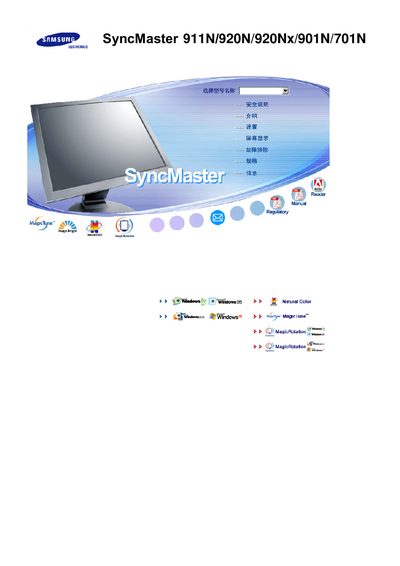
The Samsung SyncMaster 911N/920N/920Nx/901N/701N user manual explains how to safely set up and use the LCD monitors. It covers important safety precautions such as proper grounding, ventilation, and keeping the unit away from heat or flammable materials.
The guide also details installation options, cleaning methods, OSD menu functions, MagicTune software setup, technical specifications, and troubleshooting advice, including how to prevent image retention and maintain optimal picture quality. This manual is written in Chinese.
| Screen size | 17" / 19" |
|---|---|
| Resolution | 1280 × 1024 |
| Vertical refresh rate | 60 Hz |
| Panel type | TFT LCD |
| Pixel count | 3,932,160 sub‑pixels |
Unplug the power, then wipe the case and screen with a slightly damp soft‑fiber cloth using a mild diluted detergent; do not spray liquid directly on the screen.
Use a qualified professional, ensure the power plug is properly grounded, keep at least 10 cm clearance from the wall for ventilation, and avoid placing the monitor near heat sources or on unstable surfaces.
Enable a screen‑saver or power‑saving mode, turn the monitor off after long periods of static images, and vary colors or use moving images regularly.
Immediately unplug the power cord and contact an authorized service center for inspection and repair.