
This document mainly introduces the use precautions of SyncMaster 761BF / 961BF display, including installation, cleaning and use.
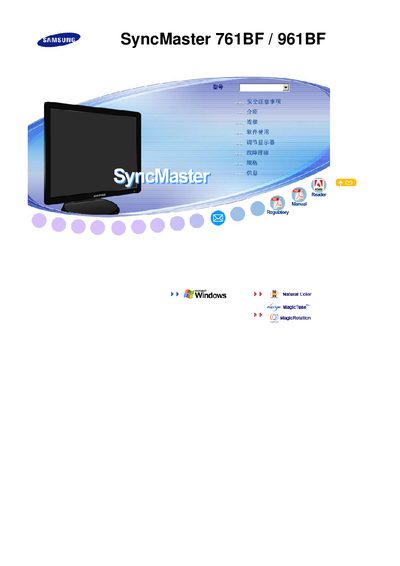
This manual is the Chinese user guide for the Samsung SyncMaster 761BF/961BF LCD monitor. It begins with safety symbols and warnings about power, installation, cleaning, and handling, then gives guidance on avoiding image retention and recommended display settings.
It also includes notes for bundled software such as MagicTune and MagicRotation, including system requirements and limitations. The excerpt does not include complete specifications or full operating procedures beyond these sections. This manual is written in Chinese.
| 17-inch model resolution | 1280 x 1024 |
|---|---|
| 19-inch model resolution | 1280 x 1024 |
Use power-saving mode or a moving screen saver when away from the monitor for a long time.
Turn off the power, unplug the power cord from the wall outlet, and contact the service center.
Both the 17-inch and 19-inch models use 1280 x 1024.
Contact the service center or customer service center once a year for internal cleaning.