
Safety information of SyncMaster 932GW model.
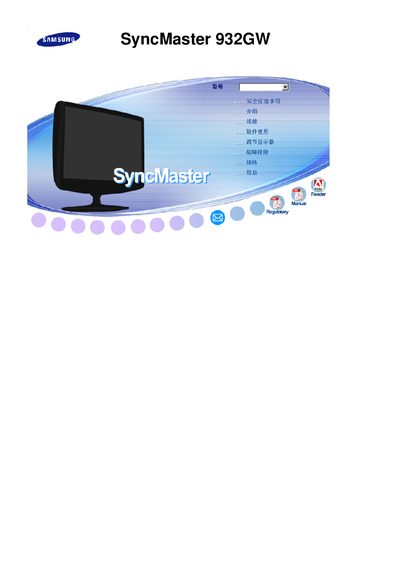
This manual covers safety precautions, installation steps, and basic operation of the Samsung SyncMaster 932GW monitor. It includes wiring diagrams, adjustment instructions, and troubleshooting tips to help users get the most out of the display.
Technical details such as native resolution, panel type, and compliance certifications are listed, along with warranty information and regulatory notices for the product. This manual is written in Spanish.
| Native resolution | 1440 × 900 |
|---|---|
| Panel type | TFT‑LCD |
| Energy Star certified | Yes |
| Release year | 2007 |
The monitor’s native resolution is 1440 × 900 pixels.
Yes, the monitor is Energy Star certified.
It uses a TFT‑LCD panel.