
This document describes the safety precautions for installation, use, and cleaning of the monitor, including power connection, installation, cleaning, etc., and provides safety advice for using the monitor.
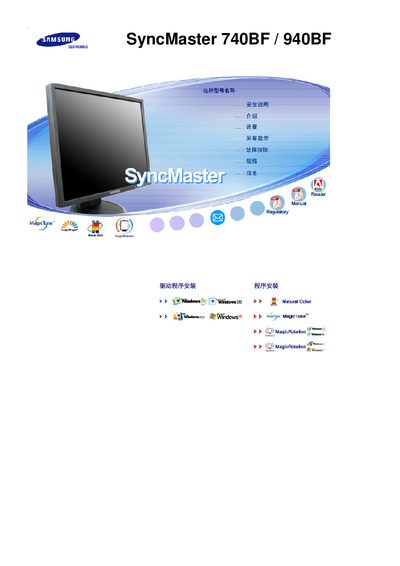
This user manual covers the Samsung SyncMaster 740BF and 940BF monitors. It provides safety precautions, installation and cleaning instructions, feature descriptions, and guidance for the MagicTune and MagicRotation software.
The manual also includes OSD mode explanations, troubleshooting tips, system requirements, and unpacking contents for the monitor and stand models. This manual is written in Chinese.
| Screen size | 17, 19 inches (43, 48 cm) |
|---|---|
| Resolution | 1280 x 1024 |
| RTA | Response Time Accelerator |
| MagicBright modes | 6 modes |
Wipe with a slightly damp soft fiber cloth; do not spray detergent directly onto the monitor.
Windows 98 SE, Me, 2000, XP Home Edition, and XP Professional.
RTA is a function that improves display response speed for clearer video.
Keep it more than 10 cm (4 inches) away from the wall.