
SyncMaster 931BW Monitor installation, use, cleaning and maintenance related information.
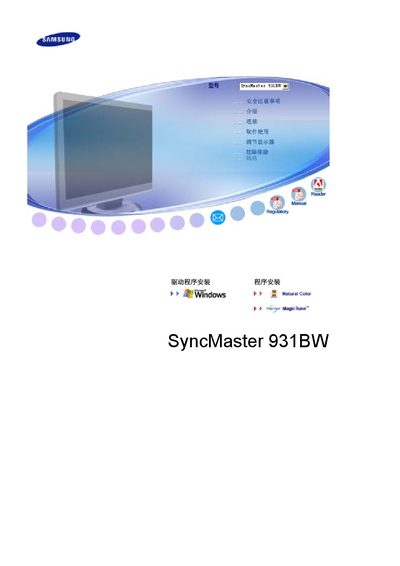
This manual provides safety instructions and usage guidelines for the Samsung SyncMaster 931BW 19-inch LCD monitor. It covers proper installation, power handling, cleaning procedures, and display settings to ensure safe and optimal operation. Safety warnings address risks of electric shock, fire, and physical damage from improper handling or environmental exposure. Display settings include resolution and refresh rate recommendations for best visual performance.
The manual also includes technical specifications such as screen size, resolution (1440x900), refresh rates, and power requirements. It advises users to avoid placing the monitor in high-temperature, humid, or dusty environments and to keep it away from flammable materials. Maintenance tips include regular cleaning with approved agents and annual internal cleaning by authorized service centers. This manual is written in Chinese.
| Screen Size | 19 inches (48 cm diagonal) |
|---|---|
| Resolution | 1440 x 900@60 Hz (best), 1440 x 900@75 Hz (max) |
| Refresh Rate | 56 ~ 75 Hz (vertical) |
| Power Supply | AC 100 - 240V~ (+/- 10%), 50/60Hz |
| Display Colors | 16.7M (8-bit) |
The best resolution is 1440 x 900@60 Hz.
Use a soft cloth slightly dampened with recommended cleaner; do not spray directly on the screen.
Vertical refresh rate is 56 to 75 Hz.