
This document provides the operating steps for installing the SyncMaster 741MP driver, including preparation before installation, installation steps, and precautions after installation.
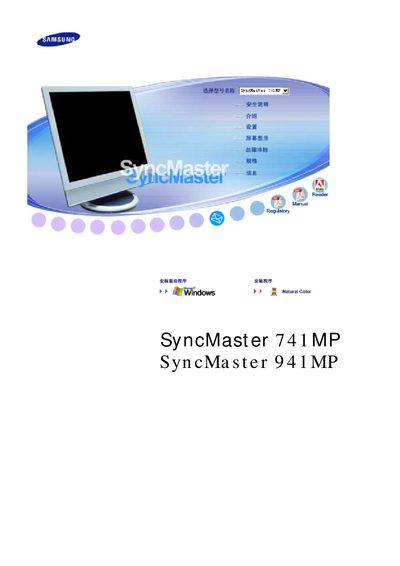
This manual provides safety guidelines, proper installation steps, and cleaning procedures for the SyncMaster 741MP and 941MP LCD monitors. It also covers recommended usage practices to avoid image retention and ensure long‑term reliability.
Additional sections explain how to connect power, adjust display settings, and what to do if the monitor shows abnormal behavior. The document includes troubleshooting tips and warranty information. This manual is written in Chinese.
| Screen size | 17 inch (43 cm) |
|---|---|
| Resolution | 1280 x 1024 |
Use a screen saver or power‑saving mode, turn the monitor off periodically, and avoid displaying static images for long periods.