
This document is about the safety instructions for the SyncMaster 940MW monitor. It includes precautions for installation, cleaning and maintenance.
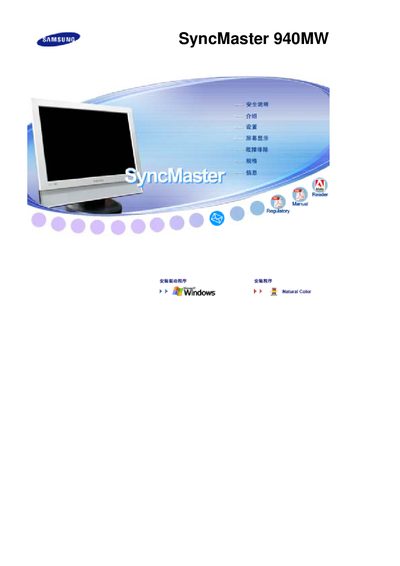
This document explains the proper handling, safety precautions, and recommended operating conditions for the SyncMaster 940MW LCD monitor. It covers warnings about electrical shock, fire hazards, and proper grounding when connecting the power cord.
Installation guidelines, cleaning procedures, and maintenance tips are detailed, including how to mount the monitor, keep the display surface clean, and avoid image retention. Warranty information and specifications are also included. This manual is written in Chinese.
| Screen size | 19 inches (48 cm) |
|---|---|
| Resolution | 1440 × 900 |
| Pixel defect class | ISO13406-2 Class 1 |
Use a screen‑saver or power‑saving mode, turn the monitor off after long periods of static images, and avoid displaying the same picture for more than 12 hours.
Do not touch the plug with wet hands, ensure the plug is properly grounded, and unplug the monitor before cleaning or moving it.
Wipe the display with a slightly damp soft microfiber cloth; do not spray detergent directly onto the screen.
The warranty does not cover damage caused by image retention; pre‑burn‑in is excluded from warranty.