
This manual provides safety and troubleshooting information for the Philips 170N4 LCD monitor.
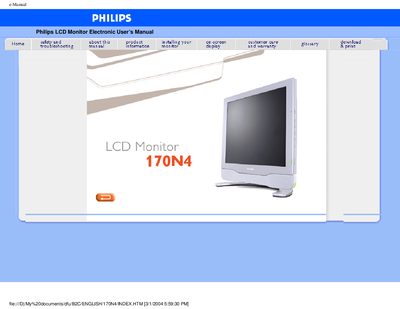
This electronic user guide covers safety precautions, troubleshooting tips, and proper handling of the Philips 170N4 LCD monitor. It explains how to install the monitor, adjust on‑screen settings, and maintain the device safely.
The manual also lists the technical specifications, audio features, viewing angles, and sRGB compliance, and provides contact details for Philips consumer information centers worldwide.
| Screen size | 17 inch |
|---|---|
| Resolution | 1280 x 1024 pixels |
| Pixel pitch | 0.264 x 0.264 mm |
| Contrast ratio | 400 (typ.) |
| Brightness | 260 cd/m² (typ.) |
| Audio output | 4 W Stereo (2 W/channel RMS, 200 Hz‑12 kHz, 16 Ω, THD=10 %) |
| Response time | ≤25 ms (typ.) |
| Power supply | Embedded universal AC power supply |
| Color space | sRGB compliant |
Unplug the monitor and wipe the screen with a slightly damp cloth or a dry cloth when the power is off; never use alcohol, solvents or ammonia‑based liquids.
Consult a qualified service technician if the monitor does not operate normally after following the manual’s instructions.