
This file is the electronic user manual for Philips LCD monitor, which introduces the safety measures, usage and maintenance methods, and troubleshooting information of the monitor
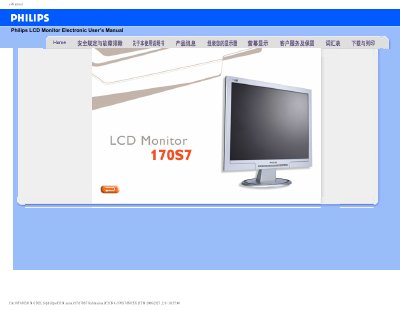
This manual covers safety precautions, proper handling, and maintenance of the Philips 170S7 LCD monitor. It explains how to avoid damage, clean the screen, and what environmental conditions are suitable for operation.
The guide also includes detailed troubleshooting, FAQ, and instructions for adjusting resolution, refresh rate, color settings, and mounting the monitor using VESA brackets. Installation software and USB plug‑and‑play support are described as well.
| Recommended resolution | 1280 x 1024 |
|---|---|
| Refresh rate | 60 Hz |
| Operating temperature | 5 °C – 35 °C |
| Relative humidity | 20 % – 80 % RH |
Yes, the monitor has four standard VESA mounting holes for attaching to most VESA brackets.
Use a soft, slightly damp cloth for routine cleaning; for thorough cleaning, use isopropyl alcohol, avoiding organic solvents like ethanol or acetone.
Yes, the monitor supports plug‑and‑play on Windows 95, 98, 2000 and XP.