
The Saitek PC Gaming Mouse user manual provides instructions for installation and usage of the mouse, as well as compatibility requirements with different operating systems.
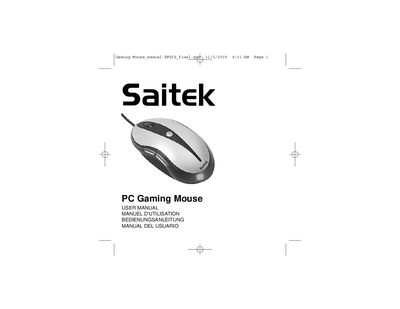
This user manual covers everything needed to get the Saitek PC Gaming Mouse up and running, including system requirements, driver installation from the supplied CD, and basic usage of the mouse's standard functions. It also explains how to connect the mouse via USB and how to install additional drivers for the extra buttons.
The guide details advanced features such as programmable buttons, macro recording, DPI switching with the Turbo‑Key, and the Gaming Center software options. Troubleshooting tips, warranty information, and FCC compliance statements are also included.
| DPI resolution | 800 DPI and 1600 DPI |
|---|---|
| Interface | USB |
Insert the Auto‑Run CD‑ROM, run the setup program, and follow the on‑screen instructions to install the driver.
Press the Turbo‑Key on the mouse to toggle the DPI resolution between 800 and 1600.
Standard functions work on all Microsoft operating systems; the 4th, 5th, and 6th buttons require Windows 2000/XP or later and the appropriate driver.