
This document is the user manual for the Saitek Eclipse Keyboard.
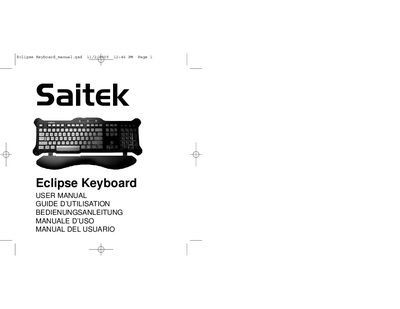
The Saitek Eclipse Keyboard is a classic 104‑key QWERTY device featuring blue LED backlighting that shines through laser‑etched TruVu keys, a solid weighted base with large rubber feet, and adjustable angle feet for comfort. Additional controls on the top‑right let you adjust audio volume and backlight brightness.
The manual explains how to install the keyboard on Windows 98, Windows ME/2000/XP via the USB driver wizard, and includes safety recommendations, warranty terms, and technical support contact information.
| Key count | 104 keys |
|---|---|
| Base type | Solid, weighted base with large rubber feet |
| Angle adjustment | Adjustable feet for maximum comfort |
| Audio controls | Volume buttons and Bright/Dim/Off selector |
| Backlighting | Blue LED backlighting |
Plug the USB connector into a computer USB port, then follow the Add New Hardware Wizard: select “Search for the best driver for your device”, uncheck location boxes, and complete the driver installation for both the USB Human Interface Device and the USB Keyboard.
Press button D; each press cycles the backlighting through off, full brightness, and half brightness.
Press button A to lower volume, button B to raise volume, and button C to mute or un‑mute the audio output.