
This is a user manual for ATEN VS481 HDMI Switch, which introduces the main features and usage methods of the product
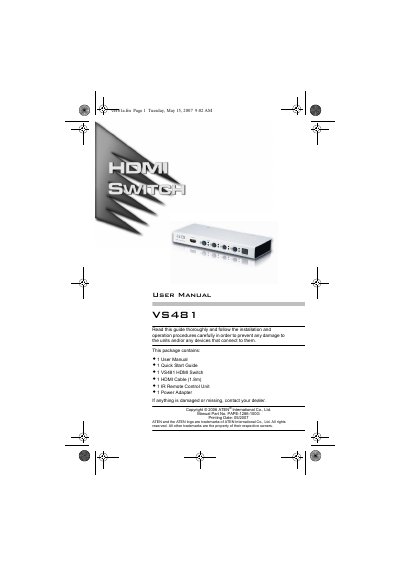
The VS481 is a 4‑port HDMI switch that lets you share a single display among up to four HDMI sources such as DVD players, satellite receivers, video cameras, and computers. It supports HDMI 1.2, HDCP, and a range of video resolutions up to 1080p, with front‑panel buttons and an IR remote for source selection.
The manual covers safety and FCC compliance, system requirements, hardware layout, installation steps, remote‑control operation, power‑off/restart procedures, specifications, and contact information for technical support.
| Display Connectors | 1 x HDMI Type A female (Black) (output), 4 x HDMI Type A female (Black) (input) |
|---|---|
| Power Consumption | DC 5.3 V, 2 W |
| Supported Video Resolutions | 480p, 720p, 1080i, 1080p, up to 1600 × 1200 @ 60 Hz |
| Operating Temperature | 0 °C to 50 °C |
| Weight | 0.45 kg |
| Dimensions (L × W × H) | 20.00 mm × 8.00 mm × 2.50 mm |
You can select a source by pressing the front‑panel pushbuttons for the desired port or by using the IR remote control; the device automatically selects port 1 on power‑up.
The remote control works up to 10 meters (30 feet) from the switch.