
This document introduces the use of the SRW224P switch, including the function features, usage methods, precautions and other information
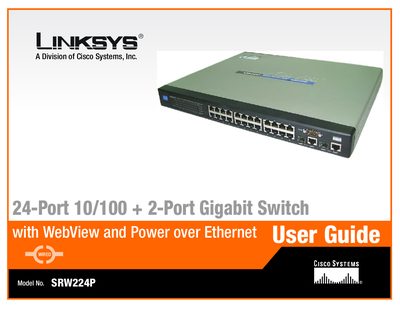
This guide details the hardware features, physical layout, and performance characteristics of the Linksys SRW224P 24‑port 10/100 + 2‑port Gigabit switch, as well as how to install and set it up. It is intended for system administrators familiar with networking concepts.
Key sections cover front, back, and side panel descriptions, console and web‑based configuration, PoE settings, QoS, security, VLANs, spanning‑tree, and maintenance tasks such as firmware upgrades and factory resets. Appendices provide Ethernet standards, cabling information, a glossary, specifications, warranty, regulatory details, and contact information.
Connect a computer to the console port, open Hyperterminal (or similar), set COM1 properties, and log in using the provided credentials.
Yes, the guide includes a Web Utility section that lets you configure system information, IP settings, VLANs, QoS, PoE, and more via a web interface.
Support can be reached at 800‑546‑5797, fax 949‑823‑3002, or email [email protected]; warranty details are in the Warranty Information appendix.