
This is a user guide that introduces how to install Linksys Instant EtherFast series Compact USB 2.0 10/100 network adapter
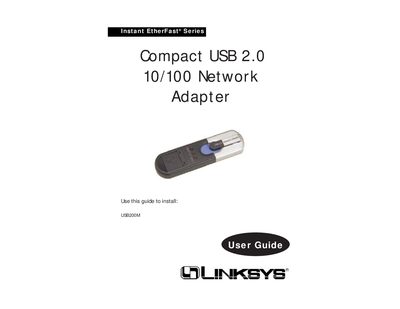
This manual covers everything needed to set up the Linksys USB200M Compact USB 2.0 10/100 Network Adapter. It includes an introduction to the product, details about USB technology, a description of the adapter’s ports and LEDs, and step‑by‑step installation procedures for Windows 98, ME, 2000, and XP.
Additional sections provide troubleshooting tips, a Linux appendix, a full specifications table, warranty information, and contact details for Linksys technical support.
| Supported USB standards | USB 1.0, 1.1, and 2.0 |
|---|---|
| Ports | One USB Type A male connector, One RJ-45 port |
| USB speed | Up to 480 Mbps (High Speed) |
| Ethernet speed | 10 or 100 Mbps (Half Duplex), 20 or 200 Mbps (Full Duplex) |
| Dimensions | 0.98" × 0.49" × 3.46" (25 mm × 12.4 mm × 87.8 mm) |
| Weight | 2.4 oz (0.068 kg) |
| Power consumption | 3.3 V low power |
| Certifications | FCC Class B, CE Mark, VCCI |
| Operating temperature | 32 °F to 158 °F (0 °C to 70 °C) |
| Operating humidity | 10 % to 90 % non‑condensing |
A PC with a 200 MHz or faster processor, 64 MB RAM (recommended), an available USB port (USB 2.0 for full speed), and a CD‑ROM drive running Windows 98, ME, 2000, or XP.
Try reorienting or relocating the receiving antenna, increase the distance between the adapter and other devices, or use a different outlet.