
This manual introduces the functions and usage of the SRW224G4P 24-Port 10/100 + 4-Port Gigabit Switch. The manual covers the functions of the switch's front panel, back panel, and side panel, as well as the pre-installation considerations and steps for connecting the switch.
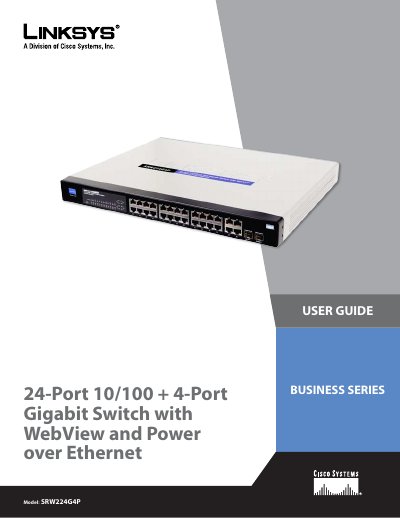
This user guide explains how to install, connect, and configure the Linksys SRW224G4P 24‑port 10/100 + 4‑port Gigabit Switch with WebView and Power over Ethernet. It covers hardware installation, desktop or rack‑mount placement, cable requirements, and PoE operation.
The manual also details configuration via the console interface and the built‑in Web UI, covering VLANs, port management, QoS, security, SNMP, and advanced features such as link aggregation and spanning‑tree protocols.
| Model | SRW224G4P |
|---|---|
| Shared SFP slots | 2 |
| Switching Capacity | 12.8 Gbps (non‑blocking) |
| Number of VLANs | 256 |
| Power Input | 100‑240 V AC, 0.5 A |
| Dimensions (W×H×D) | 17.32" × 1.75" × 13.7" |