
This is a user manual for the second-layer Ethernet manageable switch. It mainly introduces the characteristics and features of the switch, installation, configuration, and management.
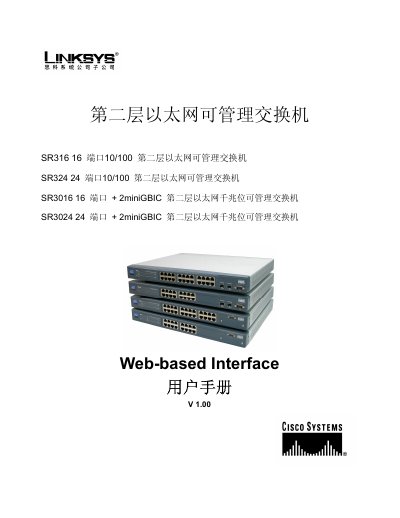
This manual provides detailed instructions for the Linksys SR316, SR324, SR3016 and SR3024 managed Ethernet switches. It includes component descriptions, installation steps, panel layouts, indicator explanations, and wiring guidance.
The guide also covers configuration via command‑line console, web‑based interface, SNMP, and other management tools, plus maintenance procedures such as resetting, TFTP, and ping testing. This manual is written in Chinese.
| SR316 ports | 16 10/100 ports |
|---|---|
| SR324 ports | 24 10/100 ports |
| SR3016 ports | 16 ports + 2 miniGBIC |
| SR3024 ports | 24 ports + 2 miniGBIC |
| Duplex mode | Half‑duplex and full‑duplex supported on all ports |
| Spanning Tree | Compliant with IEEE 802.1D |
| Management interfaces | Console, Telnet, Web, SNMP/RMON |
The SR316 provides 16 10/100 ports.
Use the Reset command under Maintenance to restore all configuration parameters to their default values.
The switches can be managed via Console, Telnet, a web‑based interface, and SNMP/RMON.